Key takeaways
- On iPhone the alert comes by itself — "Moving With You" or "Unknown Accessory Detected" in Find My; on Android, Google's unknown tracker alerts do the same job.
- The sound is delayed: a separated AirTag only chirps at a random moment 8-24 hours later, and resold tags often have the speaker removed — silence proves nothing.
- Start by playing a sound from the alert, then narrow it down with Bluetooth signal strength; in a car check bumpers, wheel arches, under the seats and the spare-wheel well first.
Coin-sized Bluetooth trackers were designed to find lost keys — but the same technology becomes a stalking tool when abused. Tracking cases rose 317% in a single year, and several US states now treat planting a tracker as a felony. Here are the signs you are being tracked and the steps to take.
Warning signs to watch for
- A phone notification like 'AirTag found moving with you'.
- Periodic faint beeps from your bag, car or pocket (AirTags separated from their owner emit sounds).
- Someone knowing your routine and whereabouts when they shouldn't.
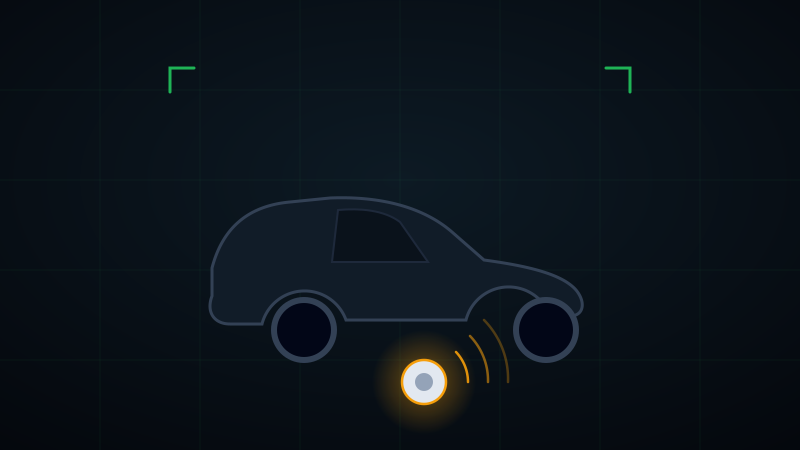
- An unfamiliar small disc in your car's bumper, wheel well or under a seat.
Why phone alerts are not enough
iPhones eventually notify you about unknown AirTags traveling with you, and Android has similar alerts. But these systems can lag, only cover certain device types, and some advanced trackers can hide themselves from third-party scanners.
That is why active scanning matters when you are suspicious: a BLE radar scan shows every anonymous Bluetooth broadcast around you — regardless of brand — along with its signal strength.
Locate the tracker step by step
Start a BLE scan and focus on strong-signal devices listed as 'Anonymous BLE'. As the RSSI approaches -30 dBm you are physically closing in on the source — narrow it down hot-and-cold, like a metal detector.
If the device hides digitally, EMF measurement takes over: the speaker magnet inside a tracker creates a distinct anomaly on a close-range magnetic scan. Slowly sweep your bag, coat and your car's suspect areas with your phone.
After you find the device
- Photograph the device, its serial number and location — don't pull the battery immediately; its location history may be evidence.
- Contact the police: planting a tracker without consent is a crime in many jurisdictions.
- If you fear for your safety, change your routine and inform someone you trust.
Frequently asked questions
How do I know if an AirTag is tracking me?
On an iPhone the alert arrives by itself: "AirTag Found Moving With You" or "Unknown Accessory Detected" in the Find My app. On Android, Google's unknown tracker alerts do the same for most Bluetooth trackers, and Apple's Tracker Detect app scans on demand — useful if the alert has not fired but the same Bluetooth address keeps reappearing around you.
Does a hidden AirTag make a sound?
Only when it is separated from its owner, and then at a random moment between 8 and 24 hours later — which is why a tracker planted in the morning can stay silent all day. Sellers also remove or muffle the speaker on resold tags, so silence proves nothing on its own.
How do I find where a tracker is hidden?
Use the alert to play a sound, then search by ear and by Bluetooth signal strength: the closer you get, the stronger the reading. In a car, check the bumpers and wheel arches, under the seats, the boot lining and the spare-wheel well; on a person, the outside pockets of bags, jacket linings and suitcase wheels.